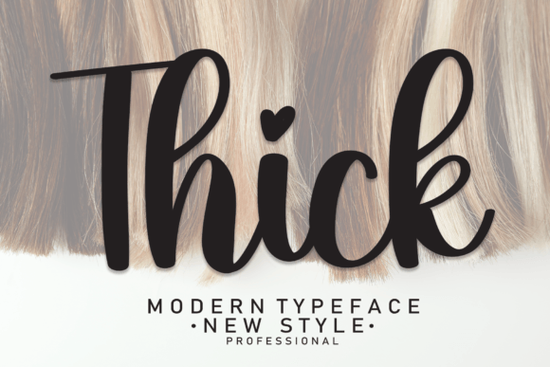
If you need a bold handwritten typeface that reads clearly at any size, looking into Thick Font is a practical starting point. This brush-style lettering brings a grounded, modern feel to layouts without sacrificing legibility. It works well when you want to add warmth to structured designs, especially for creators moving between digital mockups and physical prints. The weighted strokes give projects confidence while maintaining a personal touch for lifestyle brands.
What makes this brush style stand out?
The character shapes rely on smooth curves that mimic a real marker or calligraphy pen. Those organic edges soften geometric elements and guide the eye naturally across a page. When you apply it to wedding invitations or social media post logos, the handwriting taste reads as intentional. The weights also hold up well over textured backgrounds, which explains why photographers and label makers choose it for watermarks and product packaging.
How do I pair it with other typefaces?
Heavy scripts perform best alongside clean sans-serifs or understated serifs. A crisp geometric family grounds the composition and keeps the handwriting from overwhelming the message. Try setting headlines in this brush style and backing them up with a neutral body font for long-form content. That contrast creates clear hierarchy. If you want a softer counterpart, checking out Smithson Script gives you a lighter alternative. For a moodier approach, Soulmate Script offers gentle curves that sit well above minimalist photography. When you need something equally substantial, Thick Font already provides the structural backbone many layouts require. Designers who prefer rounded letterforms often pair their work with Pink Vibes Duo to maintain cohesive visual rhythm.
Where can I actually use these heavy strokes?
The versatility extends beyond screen-only work. Print-on-demand sellers commonly place them on apparel, tote bags, and framed posters because solid forms reproduce cleanly on fabric and paper. Crafters enjoy layering them over matte cardstock for wedding suites, save-the-dates, and thank-you notes. Advertising teams also deploy similar styles for promotional banners where visibility becomes critical. Small business owners appreciate how quickly these assets slot into existing brand systems without requiring complex vector tracing.
When working with product design or retail labels, keep margins generous. Heavy terminals need breathing room to avoid touching adjacent graphics. Photography portfolios benefit from subtle watermark placement along the lower corner, while stationery lines gain immediate personality when applied to envelopes. Almost any project demanding a handwritten taste gains credibility when strokes remain controlled.
Are there similar styles worth exploring?
Exploring related brush families helps you match the exact mood your audience expects. If you want sharper angles mixed with fluid motion, testing a hybrid type like Front Picture expands your toolkit without breaking brand rules. For broader inspiration on scaling scripts across mediums, reviewing official notes for Front Picture clarifies licensing tiers and export standards. Keep export settings aligned with your distribution channel. Web previews run fine at seventy-two dots per inch, while commercial prints demand three hundred dots per inch. Testing opacity layers against dark backgrounds prevents ink bleed during production.
Quick checklist for implementation
- Verify resolution: Export at three hundred dpi for print, seventy-two dpi for web.
- Adjust tracking: Tighten spacing if letters touch, loosen for airy layouts.
- Check contrast: Ensure clear color difference between text and backgrounds.
- Test scalability: Shrink to one inch to confirm legibility on labels.
- Document usage: Keep a style sheet noting approved pairings.
Start by placing three test words on your canvas, evaluate the negative space around each terminal, and lock in those measurements before building campaigns. Keeping those baseline settings saves time when launching new collections or refreshing storefront banners.
Try It Free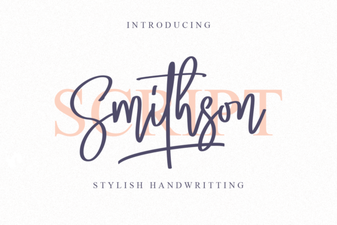 Smithson Font: Modern Design for Digital Projects
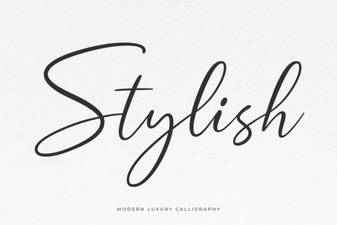 Unleash Creativity with Stylish Fonts for Design
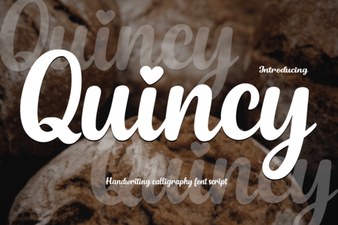 Quincy Font: a Free & Friendly Design Companion
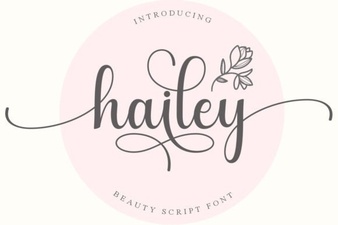 Hailey Font: Design Value and Creative Uses
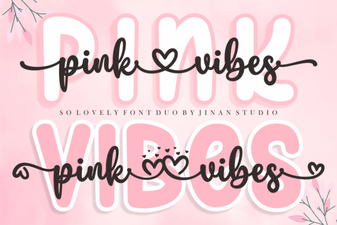 A Fun & Playful Duo Font for Graphic Projects
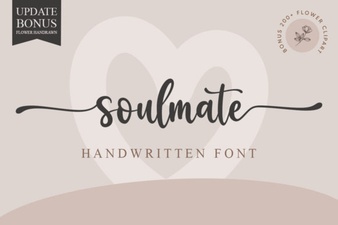 Soulmate Font: Elegant Typography for Your Creative Projects